Pixie TestFlight Beta

Pixie

Standalone Plex music and audiobook playback for Apple Watch.

Turn Apple Watch into a real Plex player with streaming, offline downloads, audiobook support, and a watch-first interface built for fast listening.

  • Standalone playback over WiFi or cellular
  • Offline albums and playlists for watch-only listening
  • Strong fit for curated family and child-watch setups
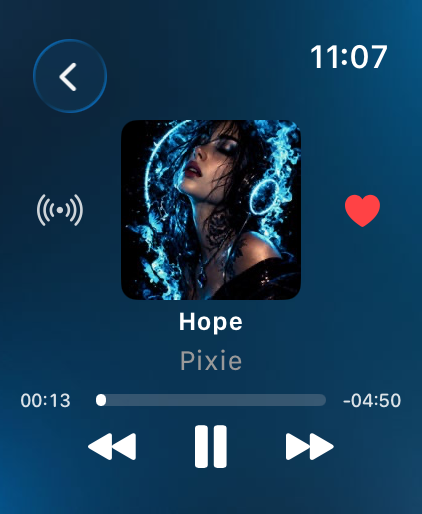
Pixie now playing screen on Apple Watch
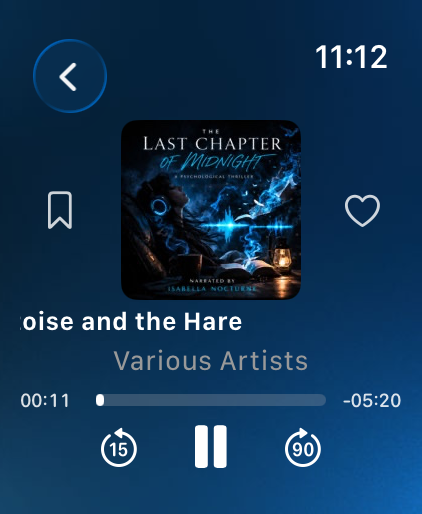
Pixie audiobook playback screen on Apple Watch
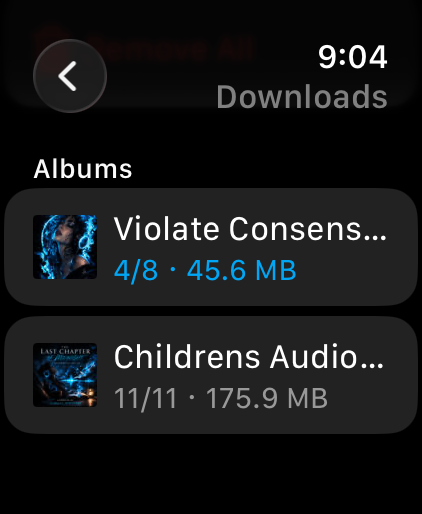
Pixie downloads screen on Apple Watch
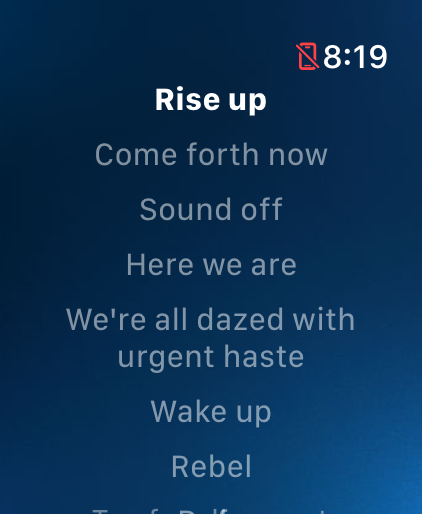
Pixie lyrics screen on Apple Watch

Inside Pixie

Watch-first screens, not a companion app afterthought

The beta already covers fast browsing, long-form listening, and focused playback control with a visual style that feels native to the wrist.

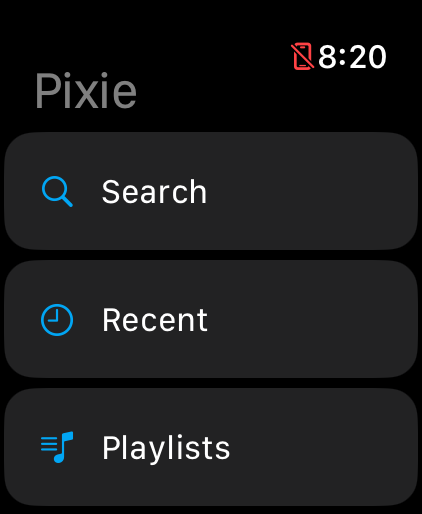
Pixie home screen
Start fast with a focused watch-first home screen built around browsing and getting back to playback.
Pixie library list view
Browse large audiobook or music libraries with quick-scanning list views.
Pixie collection screen
Jump into curated collections with artwork-forward browsing and clean hierarchy.
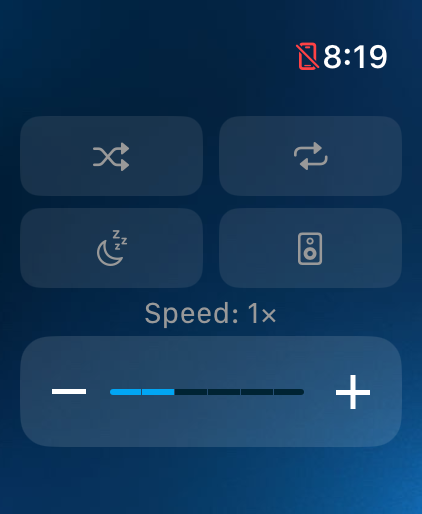
Pixie playback controls
Adjust queue behavior, sleep settings, and playback controls without leaving the watch.
Pixie downloads screen
Track offline downloads directly on the watch and keep albums ready for no-phone listening.
Pixie audiobook playback view
Audiobook playback gets its own control model, tuned for skip-back, skip-forward, and long-form listening.
Pixie lyrics view
Lyrics add another layer to the watch experience without pushing you back to the phone.
Pixie now playing view
Now Playing keeps the experience bold, legible, and optimized for quick interaction.

Who This Beta Is For

Plex users who want a real Apple Watch listening app, not a phone remote.

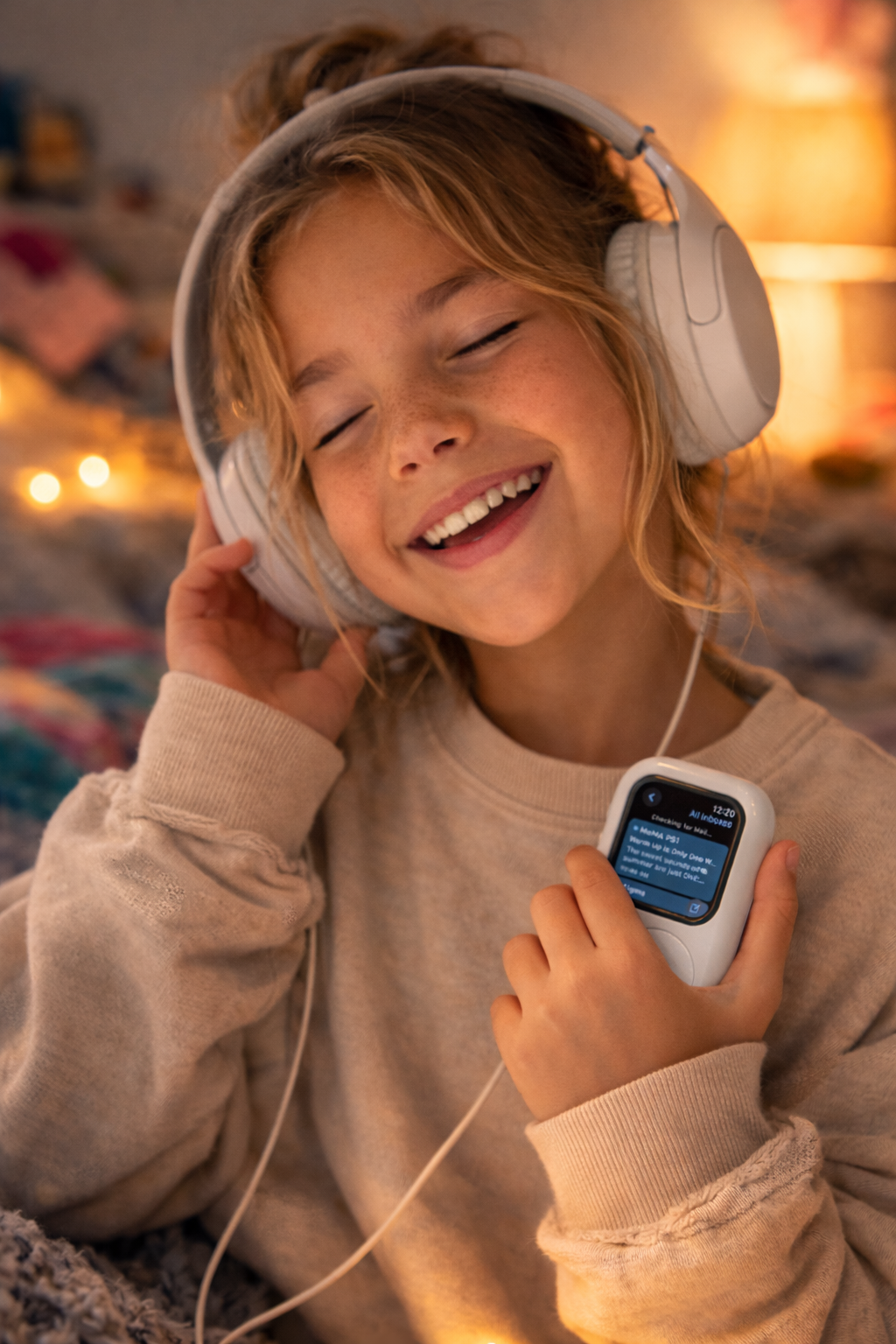
Pixie is especially useful for offline listening, audiobooks, and child-paired Apple Watches with curated Plex Home accounts.

Requirements

  • Apple Watch running a supported watchOS version
  • Plex account and access to a Plex music or audiobook library
  • Real watch hardware for background playback and download testing
  • Plex Pass for some remote streaming and download scenarios

What To Test

  • First-time Plex sign-in and server selection
  • Streaming over WiFi or cellular
  • Offline downloads and playback without a phone nearby
  • Audiobook chapters, bookmarks, and resume behavior
  • Child or managed account switching in Plex Home setups

Feedback

Send notes, screenshots, and bug reports to pixieplayer82@gmail.com.

Include your watch model, watchOS version, Plex server type, and whether the issue happened during streaming or offline playback.